Downloading R and RStudio
You can download a version of R/RStudio to your own computer if you’d prefer that over the R Server. Since they are two distinct things (a language and an application for running that language), you will need to download them separately. First need to download R and then download RStudio. Both are free, open source, and updated regularly.
R
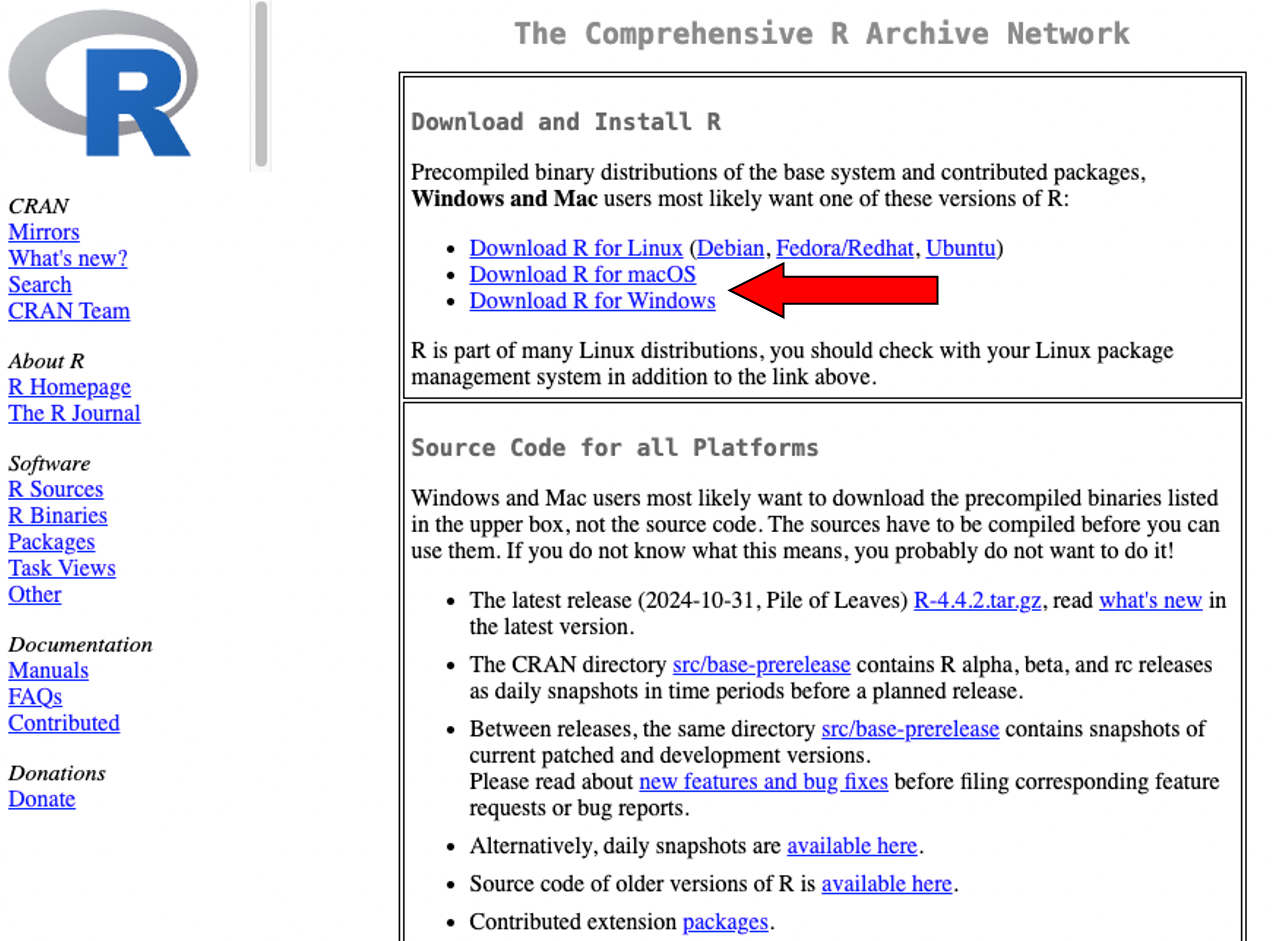
To download R, go to the CRAN (Comprehensive R Archive Network) page and under Downloads, choose the correct version for your computer, likely Mac or Windows. Then, if you are a Windows user, click “install R for the first time”. If you are a Mac user, you will see a list of available versions of R depending on your operating system, but frequently the top download is what you want. For both Mac and Windows, double click and install R after downloading.
RStudio
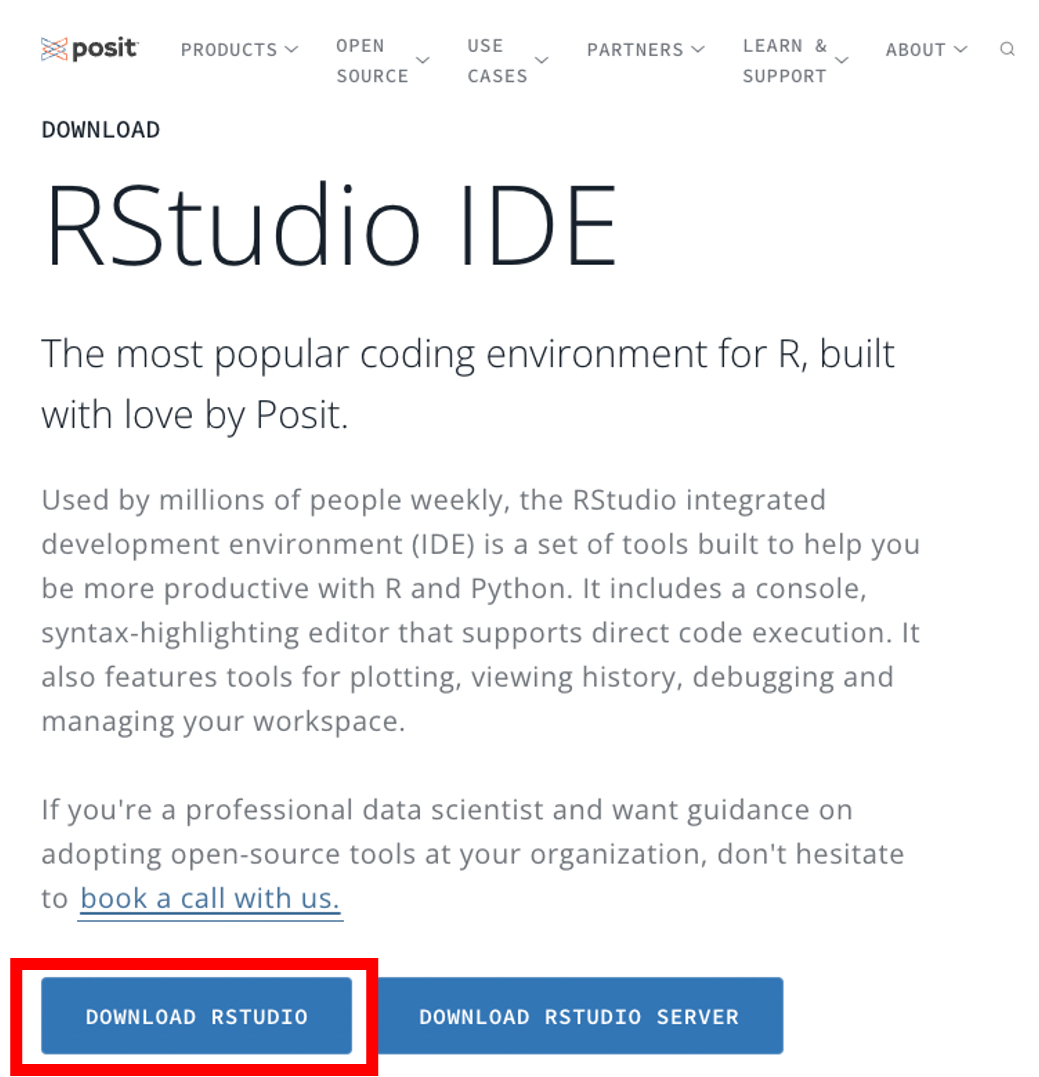
Next, download RStudio from the Posit website. This website should recognize the correct version for your computer and will give you a single download button. It will also give you a link to download R if you haven’t already done so. Install RStudio after downloading by double clicking the icon and agreeing to the terms.
See this page for more details about downloading and using RStudio on your desktop computer.
R will periodically tell you to update and when you need to do this, just go to the same sites to download the most recent versions.