Cloud Computing
What is The Cloud?
Cloud computing is using web-based services for computing purposes like creating and storing files or running apps. When you use the “cloud” you are accessing computers more powerful than your own (remote servers) over the internet. Cloud computing is offered by companies like Google, Amazon, and Microsoft who maintain large server farms where your files are remotely hosted. To use their cloud you either buy space or they will offer you a certain amount of space for free.
Reed gives you access to cloud computing via Google. With this service, you have access to your email, Google Docs, Sheets, Drive and more. Any files you create or upload into Drive are stored and managed by Google on their servers. For example, if you create a Google Doc, you are creating a file in a space that is hosted by Google and that you can access from anywhere by logging in to your Google account.
By contrast, if you create a document in Word, that is generated and stored on your own computer. Reed gives you access to Word as a downloadable program, so it and any documents it creates, live on your personal computer. We refer to things that are not accessible via the internet and only on your personal device as being “local”.
To move between a cloud-based platform and your local computer, you need to upload or download whatever file you’re using. For example, if you drag and drop a file created in Word to your Google Drive, you are uploading that file to the cloud. If you download a file off of Moodle, you are moving it from Moodle’s cloud-based platform to your local computer.
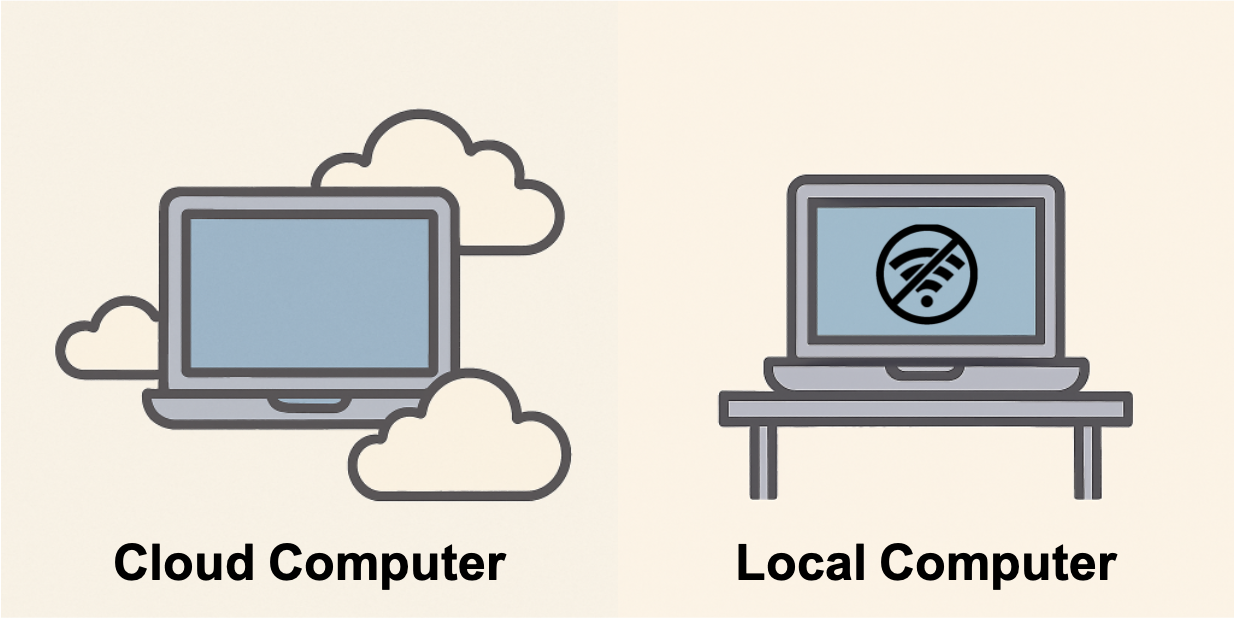
Both Cloud and Local are Useful
If throw your computer into a river, you will lose everything that is stored locally. You cannot throw the cloud into a river, so even though your computer is now aquatic, anything you have stored in the cloud will be retrievable on a new computer. However, if you are wandering in the desert without any internet connection, you will only have access to everything that is on your local computer but not anything stored in the cloud. You will need to download your music ahead of time to have a soundtrack for your wanderings.
So, you can see that it is probably a good idea to have back-ups of any files you really care about stored in the cloud, but there are also times when it is useful to have things downloaded onto your local machine. Having important files stored in multiple places is always a good idea.
The R Server
Reed has a version of R is hosted on the web and that we manage for you, so it is a cloud-based platform. You can access it by going to rstudio.reed.edu. Anytime you are connected to the internet, you can sign onto the server with your Reed credentials (the same username and password that you use for your Reed email).
On the R Server we have already installed many packages that you will want to use, but the server does not automatically have access to your local computer. If you have files on your local computer that you’d like to add to your R Server account, you can do that by uploading them. We’ll go over how to do that in [the next workshop] (https://reed-datalab.quarto.pub/loading-data–understanding-data/).