Logical Operators
We’ll discuss the following logical operators: NOT, AND, and OR; symbolized by !, & and |.
NOT
The NOT operator is represented by an exclamation point ! . NOT negates whatever comes after it, so if we wanted to filter for everything except Adelie we would use species != "Adelie", which is read as “species does not equal Adelie”. Any time you want to find the opposite of a value you will use !=.
Write code that finds all the penguins that don’t live on Torgersen island.
The NOT operator can also be used with other functions. For example, the function is.na() finds out whether a value is equal to NA (missing) or not. Running is.na() on a column would find all the places where there is a missing value. Often that is not what we want, we want to remove missing values, so we can use !is.na() to find all the places where there is a value.
This code filters the sex column to only include values that are not missing:
The syntax of that code is a little different than what we’ve been doing, but it can be read as “filter for not missing values in sex”.
AND and OR
The AND logical operator is used to find all values that match multiple conditions and is represented by a &. The OR logical operator is used to find any values that match either specified condition and is represented by a |.
These operator are easiest to conceive of using a Venn diagram. AND includes only values that match both conditions, so it is the intersection of the circles.
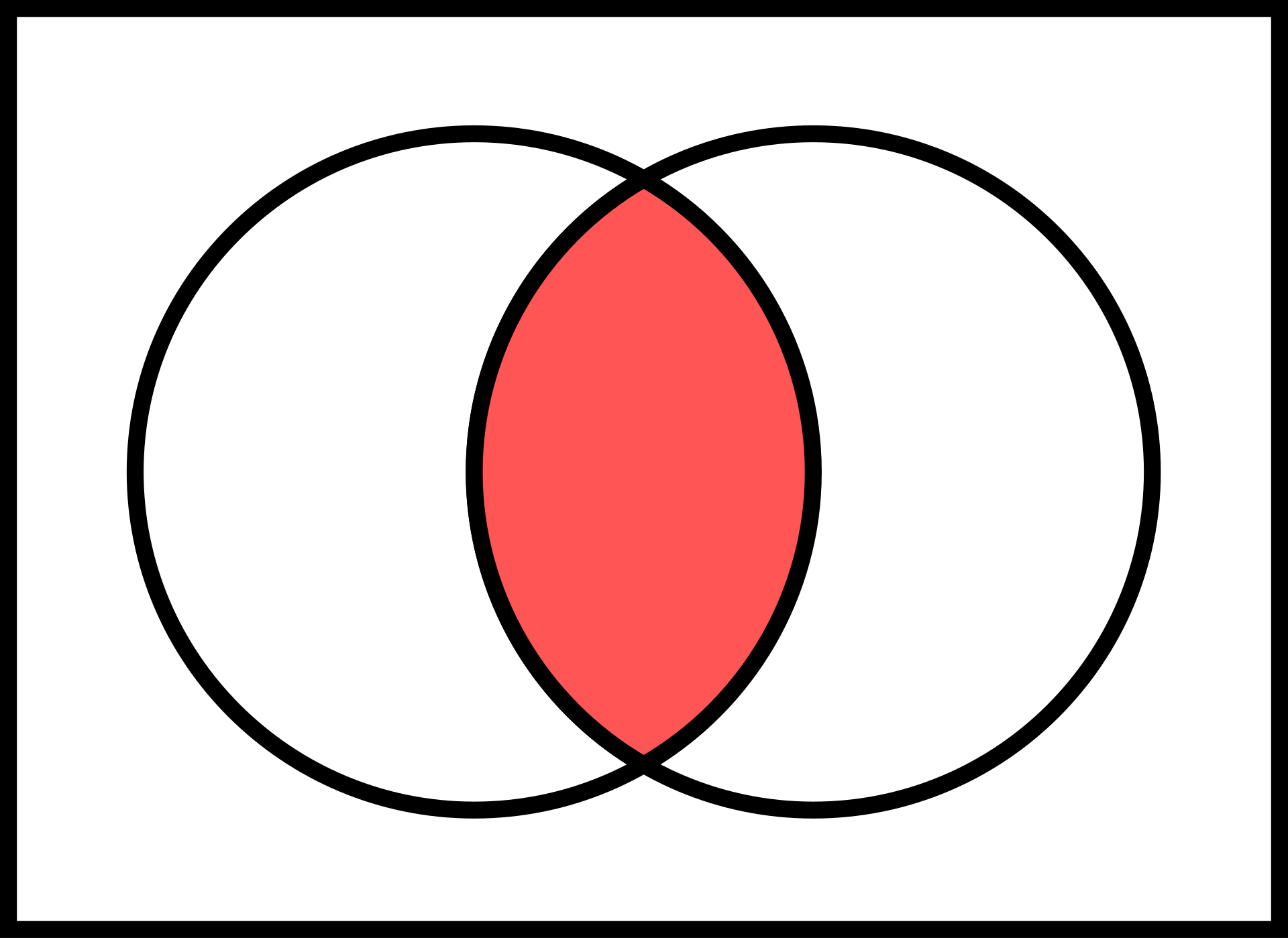
OR includes any value that matches either condition, so it will include everything because we can match one circle or the other or both to satisfy the OR condition.
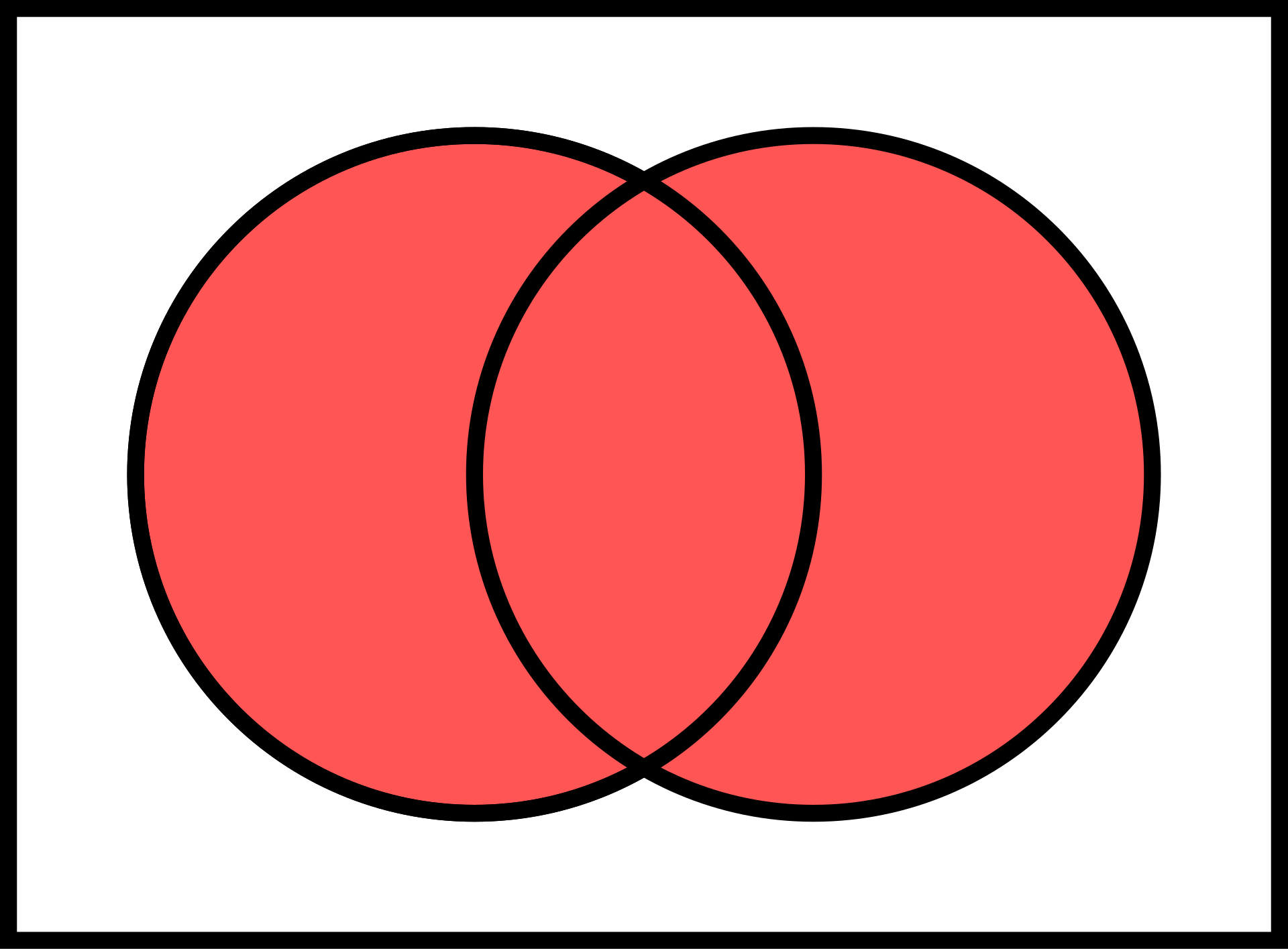
AND and OR can be a little confusing at first because they end up with the opposite result of they way they are used in normal speech. Typically when we say “and” our resulting group includes more things and is larger, and when we say or we mean one thing or the other, so the resulting group is smaller. AND and OR do the opposite here: AND results in the smaller intersection of two groups and OR gives us a more broad result by including both groups.
The following example should demonstrate the backwardsness that is inherent in these operators. If we wanted to make a subset of penguins that are Adelie and Chinstrap but not Gentoo, you might think we would use the AND operator, probably with the following code:
However, when you run that code you’ll see that you get a resulting dataset with 0 entries. The reason for this is that a single penguin cannot be both Adelie and Chinstrap at the same time. This means we can’t ever satisfy both conditions and the intersection of our circles will be empty.
What we really wanted to do is use the OR operator to find penguins that meet the condition Adelie or penguins that meet the condition Chinstrap.
Correct use of AND and OR can be tricky, so be careful on the practice problems.